Get the app. It’s free.
Driving Instructor Manager is available on iPhone, iPad and Android. Download it, add your pupils and book your first lesson in minutes — no card details required.
Up and running in three steps
You do not need to move your whole diary across on day one. Start with this week’s pupils and add the rest as you go.
1. Install and sign up
Download the app from the App Store or Google Play and create your instructor account. Your data is backed up to the cloud, so nothing is lost if you change phones.
2. Add your pupils
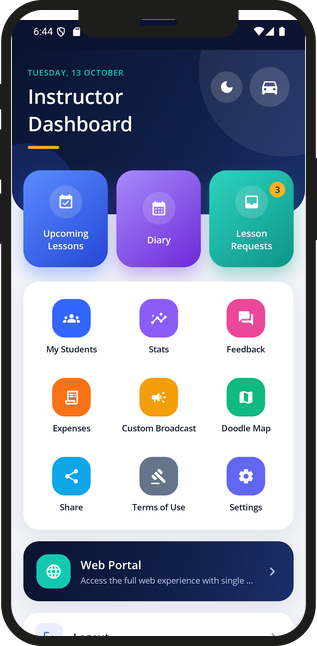
Add each pupil’s details in My Students. Every pupil gets an invite code, so they can install the app themselves to see their lessons, notes and progress, and message you.
3. Book your lessons
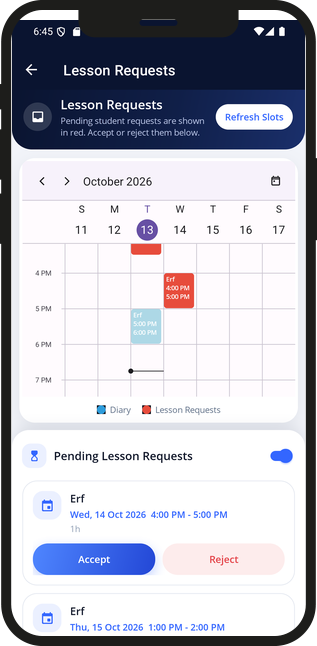
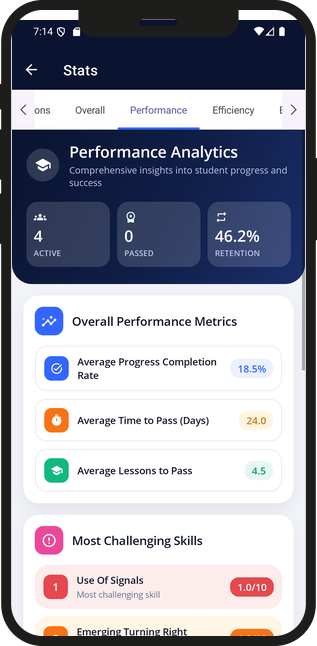
Book single lessons or a repeating series in the diary, record payments as they come in, and let the app track balances and statistics for you.
Prefer a bigger screen? The web portal gives you the same diary, pupils and records in a desktop browser. Step-by-step help for every feature is in the User Guide.